
A First On-Prem Kubernetes Cluster Installation on Ubuntu
This piece walks through what a first, real Kubernetes cluster installation looks like on owned Ubuntu hardware, from a bare machine to a calm, functioning system with ingress and TLS. The focus is not speed or scale, but legibility: a cluster you can reboot, understand, and rebuild before layering on complexity.
The easiest way to get Kubernetes wrong is to start by imagining a cluster. The correct place to start is a single machine that you expect to reboot, misconfigure, and recover more than once while you’re learning. This is not a failure mode — it’s the training ground.
Assume a fresh install of Ubuntu 24.04 LTS on bare metal or a VM you control. You have SSH access, a static IP, and DNS pointing a hostname at it. That’s it. No cloud accounts, no dashboards, no control planes hiding elsewhere.
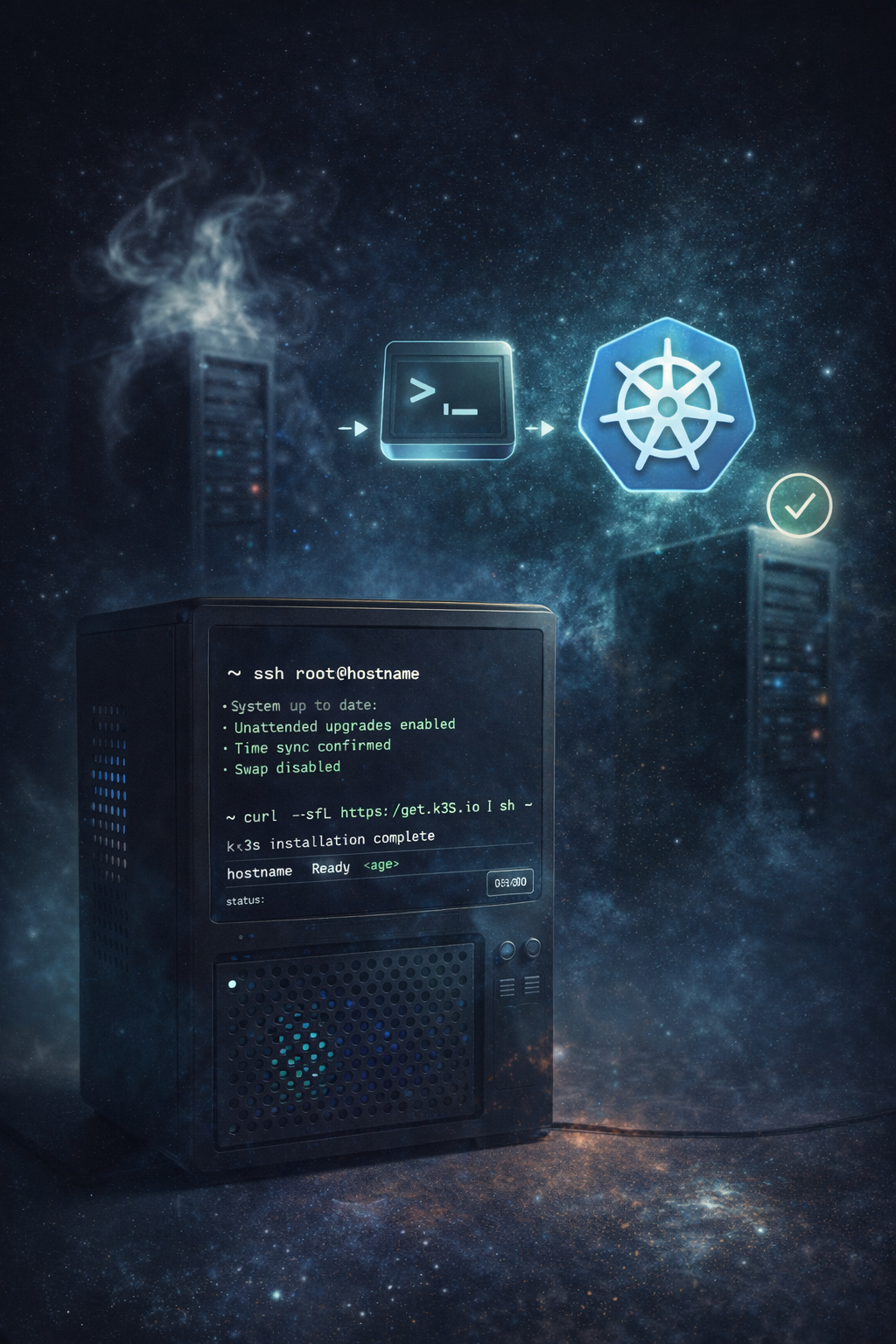
Before Kubernetes enters the picture, the machine needs to feel boring and trustworthy. You update the system, enable unattended security upgrades if that’s your norm, confirm time sync is working, and make sure swap is disabled. Kubernetes doesn’t negotiate with swap; it simply refuses to behave predictably if it’s present. This is one of those early constraints that teaches you what kind of system you’re entering.
At this point, nothing Kubernetes-related is installed. That’s intentional.
The next decision is which Kubernetes distribution you’re actually running. Upstream Kubernetes is a collection of components, not a product. Something has to assemble it into a system that starts on boot, stores state, and survives restarts.
For an on-prem, owned-hardware environment, this is where k3s earns its reputation. It exists precisely so that Kubernetes can behave like infrastructure instead of a research project. It packages the control plane, networking, and storage defaults into a single binary with sane defaults and very few assumptions.
Installing k3s is deliberately unceremonious. You download a script from the official site and run it as root. That script installs the k3s binary, registers it as a system service, and brings up a single-node cluster using an embedded datastore. There is no account to create and no external dependency to satisfy. When the command finishes, Kubernetes is running on your machine.
This moment matters more than it seems. You now have a real Kubernetes cluster that can be stopped, started, and inspected like any other system service. If you reboot the machine and everything comes back cleanly, you’re on the right path. If it doesn’t, you fix that before going any further. Kubernetes should not feel fragile.
Once the cluster is running, you copy the kubeconfig file into your home directory and point kubectl at it. When kubectl get nodes returns your machine as Ready, you resist the urge to install anything else immediately. The discipline here is to confirm that the cluster is understandable before it becomes busy.
Now you give the cluster a front door.
Kubernetes does not expose services to the outside world by default. That job belongs to an ingress controller, which is simply a piece of software that listens on ports 80 and 443 and routes requests to the correct service inside the cluster.
You choose an ingress controller not because it’s exciting, but because it is predictable. NGINX Ingress is a common choice precisely because it behaves like NGINX everywhere else: configuration is explicit, behavior is observable, and surprises are rare.
Installing it means applying a published manifest from the project’s documentation. That manifest creates a handful of Kubernetes resources — a controller deployment, some permissions, and a service that binds to your machine’s network. After a minute or two, the cluster is listening on port 80.
At this stage, there are still no applications. That’s fine. What you care about is that HTTP traffic can reach the cluster and that the ingress controller responds in a way you can reason about. You test this by creating a trivial service — a “hello world” container — and confirming that requests reach it through the ingress. This is not busywork. It’s how you prove that the plumbing works before layering meaning on top of it.
The next question is certificates, and this is where people often rush.
Modern NGINX can handle ACME certificate issuance and renewal internally, and for single-host systems that can be a perfectly sane choice. In Kubernetes, however, you’re deciding where certificate authority lives. If you expect this cluster to be rebuilt from description, or mirrored in the cloud later, many teams still choose to install cert-manager.
cert-manager is not a web server. It’s a controller that understands ACME and treats certificates as first-class Kubernetes objects. You install it by applying its manifests, the same way you installed ingress. Once it’s running, you define an issuer — usually Let’s Encrypt — and annotate your ingress definitions to request certificates automatically.
The effect is subtle but important. Certificates stop being something NGINX happens to manage and become something the cluster knows to be true. They renew themselves. They can be reissued if a pod is replaced. If you later stand up a second cluster using the same configuration, certificates behave the same way there too.
If you prefer NGINX-only ACME, this is the moment where you consciously choose that path instead. The key is that the choice is explicit, not accidental.
Only now does the cluster start to feel like a place applications could live.
You label the node to reflect reality. This machine is not “generic capacity”; it is owned, local infrastructure. By labeling it accordingly, you lay the groundwork for hybrid scheduling later. When cloud nodes eventually appear, they will be labeled differently. Kubernetes will not be asked to infer your intent — it will be told.
At this point, you have a single-node, on-prem Kubernetes cluster with a functioning ingress, automatic TLS, and no application baggage. You can reboot it. You can recreate it. You can explain it to someone else without hand-waving.
That is the success condition of the first install.
Everything that comes next — GitOps, service meshes, additional nodes, cloud spillover — builds on this foundation. If this layer is calm, the rest has a chance to be calm too. If it isn’t, no amount of abstraction later will save you.